How to Find and Install the Top Student Transfer Scenarios for Your Game
Student Transfer scenarios are fan-made, non-canon expansions built on the Ren'Py engine. To install them, place the scenario folder into the /game/scenarios directory of your installation. While many scenarios are accessed via the "Scenarios" menu, some require a "Scenario Hook" triggered during specific in-game events. Always verify version compatibility, as older scenarios (e.g., v3.1) often crash on newer builds like v9.2.
Understanding the World of Student Transfer Scenarios
For fans of interactive fiction, the base game of Student Transfer is often just the beginning. The game, which centers on protagonist John Davis in the fictional city of San Fransokyo, provides a robust framework for supernatural and technological transformations. However, the true longevity of the title lies in its fan-created content, known as scenarios. According to the Student Transfer Wiki, these are non-canon stories that utilize the game's assets and engine to explore "what if" timelines.
These scenarios are built using the Ren'Py engine, a popular tool for visual novels that allows for complex branching paths and variable tracking. Because the developers have made the game highly modular, creators can write their own scripts, add custom sprites, and even introduce new mechanics without altering the core game files. This ecosystem has resulted in a library of over 70 unique stories, ranging from short 15-minute vignettes to massive, novel-length epics like Remote Possibilities.
The themes within these scenarios typically mirror the base game's focus on identity and transformation. Popular tropes include gender bending (TG), body swapping, mind control, and possession. Some creators lean into the magical aspects of the "Tome," while others prefer the sci-fi implications of the "Remote." This variety ensures that the community remains vibrant, as there is always a new perspective or narrative twist to discover.
Step-by-Step Installation Guide for PC and Android Users
Installing scenarios is generally straightforward, but the process differs slightly depending on your platform and the version of the game you are running. The most critical factor is ensuring the file structure is correct; a common mistake is having nested folders that prevent the game from "seeing" the scenario script.
PC Installation (Windows and Mac)
For PC users, the process involves moving files into the game's internal directory. Follow these steps to ensure a clean install:
- Download the scenario zip file from a trusted source like the Official Scenario List.
- Locate your Student Transfer installation folder.
- Open the
gamefolder, then look for a folder namedscenarios. If it doesn't exist, you can create it manually. - Extract the scenario folder into
/game/scenarios/. The final path should look like.../StudentTransfer/game/scenarios/[ScenarioName]/script.rpy. - Launch the game and navigate to the "Scenarios" tab in the main menu to verify it appears.
Android Installation Nuances
Installing on Android is more complex due to recent changes in how the OS handles file permissions. On newer versions of Android, you may need a third-party file manager (like ZArchiver) to access the Android/data/ directory. You must place the scenario files in Android/data/com.studenttransfer.game/files/game/scenarios/. If the folder is not visible, you may need to run the game at least once to generate the directory structure.
Pro Tip: Avoiding Nested Folders
If a scenario doesn't appear in your menu, ensure the folder name doesn't have nested subfolders (e.g., game/scenarios/my_scenario/my_scenario). The script.rpy file must be exactly one level deep within the scenarios folder for the Ren'Py engine to register it correctly.
Mastering the Scenario Hook Mechanic for Hidden Content
While most stories are launched directly from the menu, some of the most acclaimed content is hidden behind a mechanic known as the Scenario Hook. This is a unique feature where a scenario is triggered by specific actions taken during a standard playthrough of the main game. This creates a more immersive experience, as the fan-made content feels like a natural branch of the official story.
A prime example of this is the Dream Girl scenario. To access it, players must follow the main game path until they reach the point where they can summon Circe. Instead of following the standard dialogue, a specific prompt labeled "Scenario Hook" will appear if the mod is installed correctly. Selecting this prompt diverts the narrative into the fan-made content. According to Natalie.TF's expert reviews, these hooks are often used for scenarios that require specific character knowledge or "world-state" flags to be set before the story can begin.
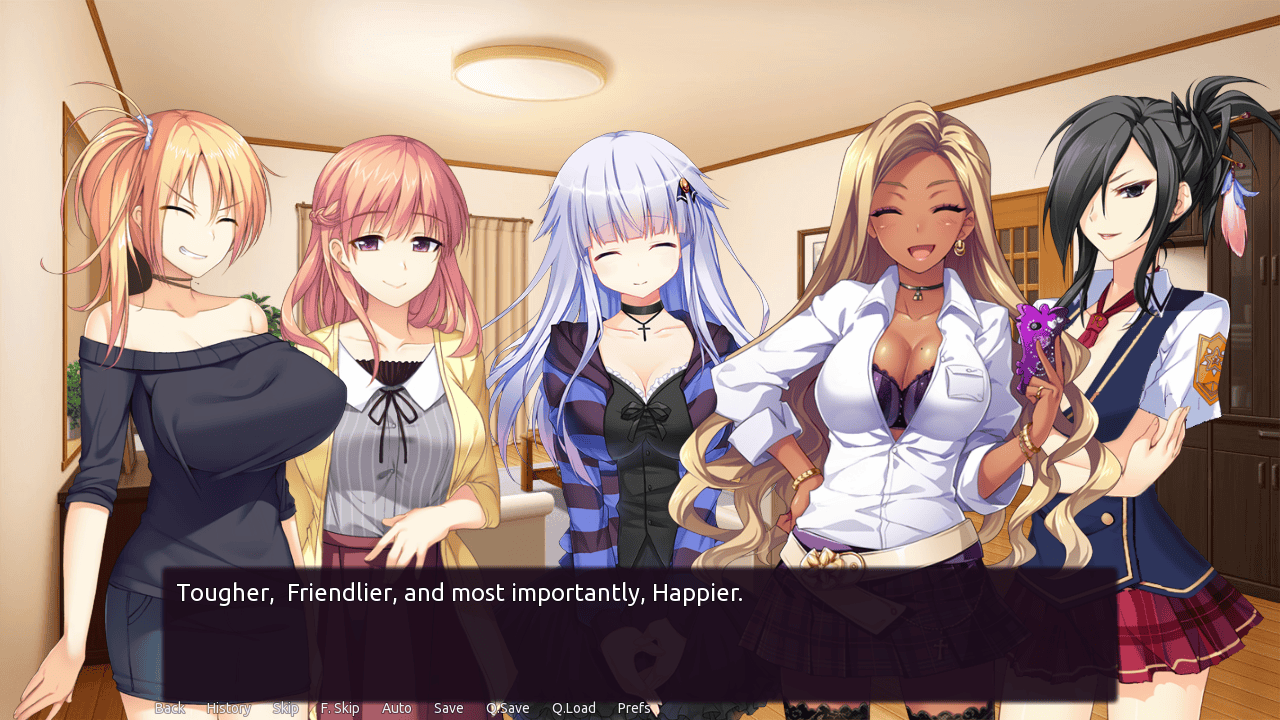
Image source: Natalie.TF
Evaluating the Most Popular Scenarios by Playtime and Complexity
With dozens of options available, choosing where to start can be overwhelming. The community generally categorizes scenarios by their primary tropes and narrative depth. Some are "one-shots" focusing on a single transformation, while others are sprawling epics with dozens of endings.
| Scenario Name | Primary Trope | Playtime (Est.) | Complexity |
|---|---|---|---|
| Remote Possibilities | Body Swap / TG | 5.9 Hours | 5/5 |
| Always Get the Warranty | Reality Shift | 2.0 Hours | 4/5 |
| Osmosis | Character Fusion | 1.5 Hours | 3/5 |
| Yui Spellbook | Magic / TG | 1.0 Hours | 2/5 |
| Never | Identity Death | 4.5 Hours | 5/5 |
Remote Possibilities stands out as a top-tier option for those seeking narrative depth. With nearly six hours of content, it explores the psychological ramifications of body swapping in a way few other scenarios match. It is widely considered one of the strongest examples of how fan creators can expand on the base game's themes (Natalie.TF, 2023).
Conversely, Always Get the Warranty is highly recommended for players who enjoy variety. It features a staggering 33 different endings, encouraging multiple playthroughs to see every possible outcome. Meanwhile, Osmosis is a popular choice for its unique "fusion" mechanics, where characters don't just swap bodies but merge identities entirely.
Troubleshooting Common Crashes and Version Mismatches
One of the most frequent issues players face is the "Ren'Py Exception" error, which usually results in the game crashing to the desktop. In the context of Student Transfer, this is almost always due to a version mismatch. The game has evolved significantly from its early v3.x builds to the current v9.2 releases, and the underlying code for handling variables and sprites has changed.
For instance, a classic scenario like Yui Spellbook was built for v3.1. If you attempt to run it on v9.2, the game will likely crash because it references image assets or code labels that no longer exist in the newer engine build. To fix this, you have two options:
- Use a Legacy Build: Keep an older version of the base game specifically for playing classic scenarios.
- Search for Community Updates: Many popular scenarios have been "ported" or updated by community members to work with the latest game versions. Check the TFGames.site forums for these updated releases.
"Version compatibility is the single biggest hurdle for new players. A scenario that worked perfectly in 2022 might be completely broken in 2026 unless the creator or a community member has issued a patch." — Community Wisdom from the TFGames Forums.
Using Flowcharts to Navigate Complex Narrative Branches
As scenarios become more complex, keeping track of every choice becomes nearly impossible. Some stories use "hidden flags"—variables that track your choices behind the scenes—to determine which ending you receive. To help players navigate these paths, the community has developed tools like Graphify.
Graphify, created by user nexoq, is a program that parses the Ren'Py script files of a scenario and generates a visual flowchart. These flowcharts are essential for identifying "Identity Death" paths (where the character's original personality is erased) versus "Reversion" paths (where the character returns to normal). By studying these maps, players can ensure they don't miss any of the hard-to-reach content that creators spend months writing.
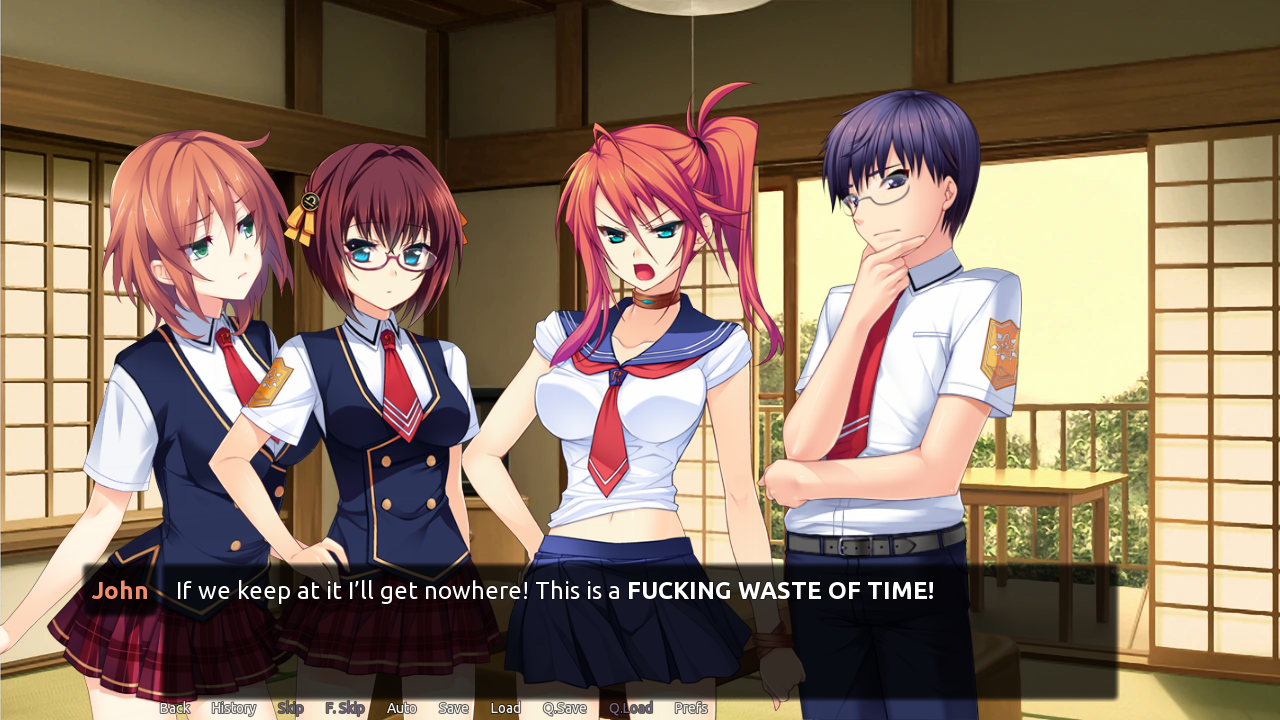
Image source: Natalie.TF
Exploring Community Lore and the K-Buds Characterization
An interesting phenomenon in the Student Transfer community is the development of "fan-canon" or community lore. While the base game provides the foundation, scenarios have fleshed out John’s friend group—affectionately known as the K-Buds—in ways that have become widely accepted by the player base.
In many scenarios, the K-Buds are portrayed as "genre-savvy" individuals who are aware of the tropes of visual novels and transformation stories. This meta-commentary adds a layer of humor and depth to the interactions. Furthermore, scenarios often introduce new, fused characters that become community favorites. Hickory Davis, a character from the scenario Osmosis, is a prime example of a "fused" personality that has gained a following independent of the original characters (Source 5). Understanding these community-driven traits makes playing new scenarios much more rewarding, as you recognize the recurring themes and character growth across different authors' works.
Reliable Sources for Downloading New Scenarios
Finding high-quality content requires knowing where to look. Because some scenarios contain adult content or experimental themes, they aren't always hosted on mainstream modding sites. The following sources are the most reliable as of late 2026:
- The Official Scenario List
- The primary database for verified, stable downloads. This is the safest place for new players to start.
- TFGames.site Forums
- The hub for "Work in Progress" (WIP) content. If you want to see the latest experimental stories before they are officially listed, this is the place to be.
- Student Transfer Wiki
- While not a download host, the Wiki provides essential plot summaries and character lists that help you decide if a scenario is right for you.
- Community Mirrors
- Some older scenarios, like Never v2, have been delisted by their original authors. In these cases, community-maintained mirrors on Discord or private drives are often the only way to access the content.
Common Questions About Student Transfer Modding
Can I play scenarios on the Patreon version of the game?
Yes, scenarios are generally compatible with the Patreon builds, including the latest v9.2 updates. However, because Patreon builds often include "bleeding edge" engine changes, you may encounter more frequent crashes with older scenarios compared to the stable public releases. Always keep a backup of your /game/scenarios folder before updating your base game.
Are scenarios considered canon to the main story?
No, scenarios are strictly non-canon "What If" stories. They are created by fans rather than the official development team. While they use the same characters and setting, the events that occur within a scenario do not impact the main plot of Student Transfer. This allows creators to take bold risks, such as permanently changing the protagonist's identity.
How do I make my own scenario?
Creating a scenario requires a basic understanding of the Ren'Py scripting language. The official Student Transfer website provides a scenario template that includes the necessary folder structure and a sample script. You will need to write your story in .rpy files and use the game's internal labels to call sprites and backgrounds. The community on TFGames.site is very helpful for beginners.
Why are some scenarios translated poorly?
Many scenarios are created by international fans, particularly from the French and Japanese communities. Some older or larger works, like the original version of Never, rely on machine translation (MTL) to reach an English-speaking audience. While the prose may be clunky, the narrative complexity often makes them worth playing despite the translation issues.
Is there a way to skip directly to the scenario content?
For scenarios launched via the "Scenarios" menu, you start directly at the beginning of the fan-made story. For "Scenario Hooks," you must play through the main game until the hook triggers. However, you can use the game's "Skip" function (usually the Ctrl key) to fast-forward through dialogue you have already seen in the main game to reach the hook faster.
Key Takeaways for Scenario Players
Navigating the expansive world of Student Transfer scenarios offers hundreds of hours of additional content. To make the most of your experience, keep these points in mind:
- Check version compatibility before every installation to prevent game-breaking crashes.
- Look for Scenario Hooks in the main game, as some of the most acclaimed stories are hidden behind specific choices.
- Use community tools like Graphify to map out complex branching paths and find every ending.
- Engage with community lore to better understand the "K-Buds" and other recurring fan-made character traits.
- Support creators by providing feedback on the TFGames.site forums to help them improve their work.
- Prioritize narrative depth by starting with highly rated epics like Remote Possibilities.
Start by downloading one of the top-rated scenarios from the official list and verifying it runs on your current game version today.