HOW TO FIND AND PLAY FREE GAMES ON GOOGLE WITHOUT DOWNLOADING ANYTHING
You can play free games directly on Google through three main methods without downloading any software. First, type specific queries like "play Snake" or "Tic-Tac-Toe" directly into the Google Search bar to trigger built-in interactive widgets. Second, visit the permanent Google Doodle Archive (google.com/logos) to play historical interactive games. Finally, for offline play, use the Google Play Games app's "Instant Play" feature, which allows you to play classics like Solitaire and Minesweeper without an internet connection.
Google processes over 8.5 billion searches daily, but a significant portion of those queries aren't looking for information—they are looking for immediate entertainment. Over the years, Google has quietly transformed its search engine, its homepage logo, and its mobile applications into a massive, hidden arcade. For users looking to pass the time without committing to large downloads, creating accounts, or paying subscription fees, the Google ecosystem ranks among the top options available.
Finding these games, however, requires knowing exactly what to search for. While some games are prominently featured during specific holidays, others are buried deep within search algorithms or archived on secondary domains. This article explores how to access the built-in search games, navigate the extensive Doodle archive, utilize third-party browser portals safely, and optimize your experience for both PC and offline mobile play.
PLAY THESE HIDDEN GAMES DIRECTLY IN YOUR GOOGLE SEARCH BAR
The most accessible free games on Google are the ones built directly into the search engine results page (SERP). These are often referred to as "Easter Eggs"—hidden features that developers include for users to discover. Because these games are rendered using lightweight HTML5 and JavaScript directly in your browser, they require zero installation and load almost instantly.
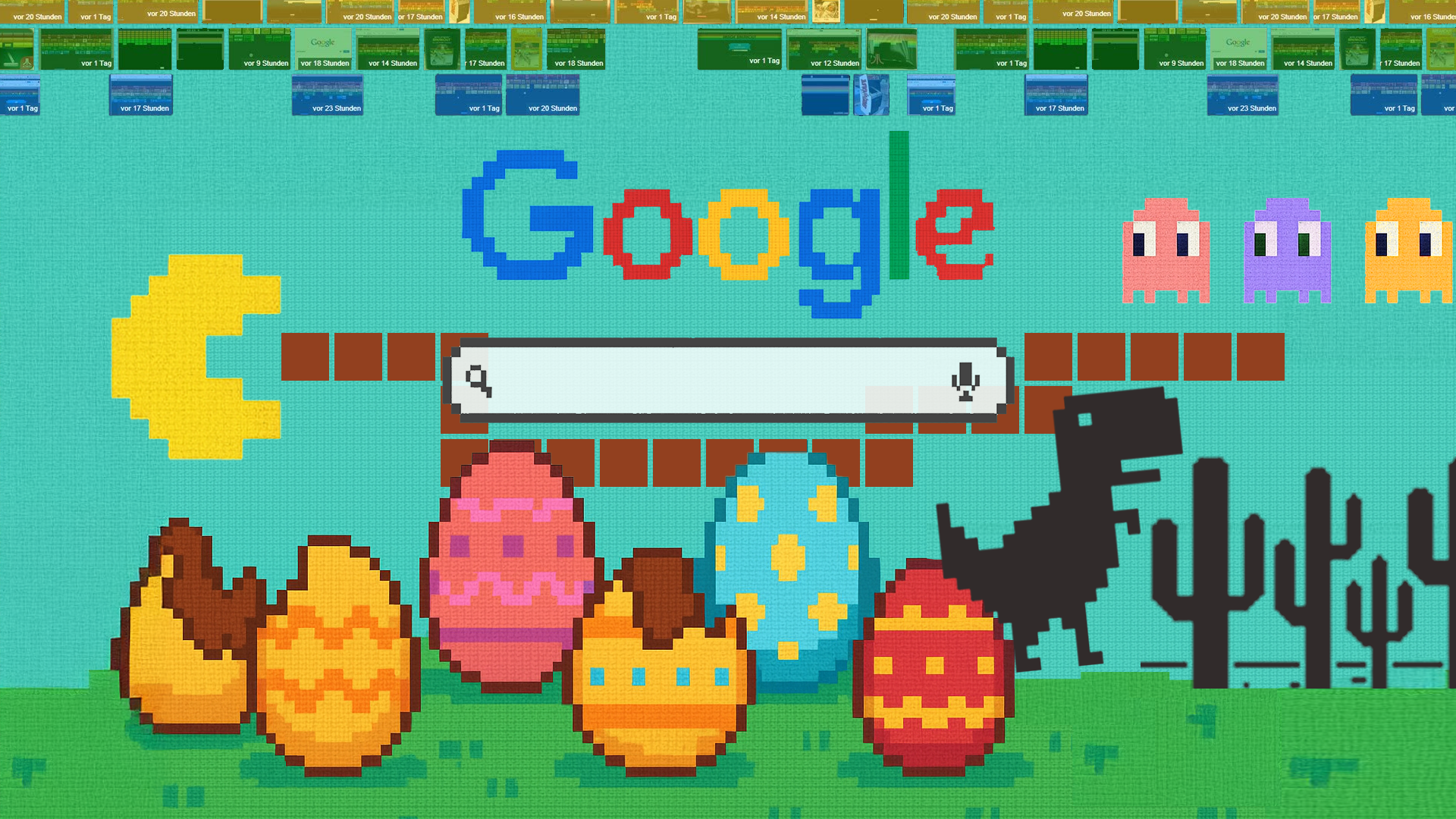
Image source: How-To Geek
The Big Five Search Games
To access the core collection of Google's built-in games, you simply need to type the correct trigger phrase into the search bar and hit Enter. The search engine will bypass standard web results and display an interactive widget at the top of the page.
- Snake: Search for
play snake. This triggers a modern, colorful version of the classic mobile game. Google's version includes various modes, allowing you to change the speed, the map layout, and even the item you are collecting (swapping apples for other icons). - Solitaire: Search for
solitaire. You will be presented with a clean, ad-free version of classic Klondike Solitaire. You can choose between "Easy" and "Hard" difficulties, making it a highly rated option for quick breaks. - Minesweeper: Search for
minesweeper. This visually updated version of the classic logic puzzle features a nature theme, where you uncover safe grass tiles while avoiding hidden explosives. - PAC-MAN: Search for
pac-man. Originally created as a Doodle for the game's 30th anniversary, this fully playable port remains permanently accessible through search. It features a custom maze shaped like the Google logo. - Tic-Tac-Toe: Search for
tic tac toe. You can play against a friend locally or challenge Google's AI, which features an "Impossible" difficulty setting that will always force a draw or a win.
The "I'm Feeling Lucky" Hacks
While standard search queries bring up widgets, there is a secondary tier of interactive Google experiences that require a specific technique. According to advanced search documentation, certain physics-based interactive pages can only be accessed by bypassing the standard results page entirely.
To trigger these, you must type the query into the Google homepage (google.com) and click the "I'm Feeling Lucky" button instead of hitting Enter or clicking "Google Search." This button automatically redirects you to the first search result, which in these specific cases, is a hosted script.
- Google Gravity: Type
Google Gravityand click "I'm Feeling Lucky." The entire search interface will collapse to the bottom of your screen, subject to simulated physics. You can use your mouse to pick up and throw the search bar, logo, and buttons around the screen. - Google Underwater: Type
Google Underwaterand click "I'm Feeling Lucky." The search bar will float on a simulated ocean. Clicking the water creates waves, and searching for terms drops more fish into the sea.
WHY YOU SHOULD USE THE GOOGLE DOODLE ARCHIVE FOR BETTER VARIETY
Google Doodles—the temporary alterations of the logo on Google's homepages—frequently feature interactive games to celebrate holidays, anniversaries, and historical figures. A common misconception is that once the day passes, the game is gone forever. In reality, Google maintains a permanent, publicly accessible Google Doodle Archive where every interactive game is preserved.
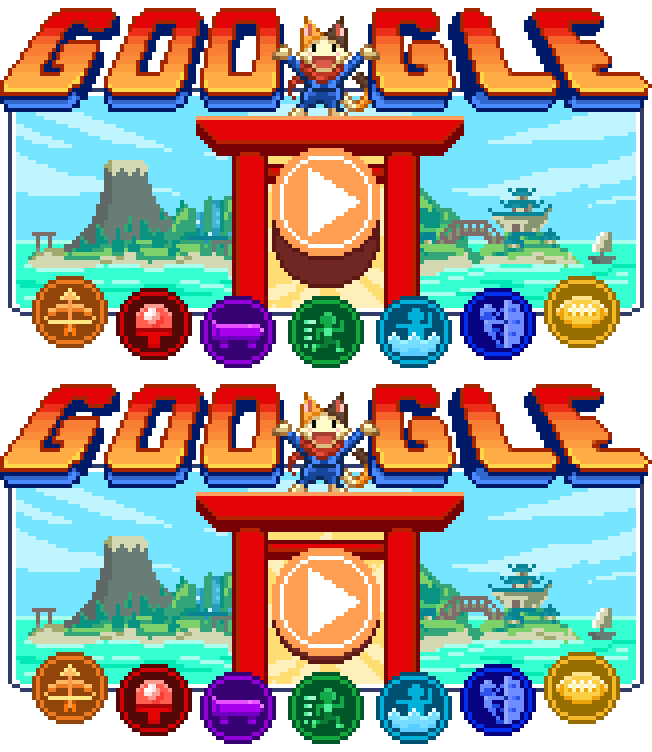
Image source: Google Doodles
The archive is an excellent choice for users seeking more depth than a simple game of Tic-Tac-Toe. Many of these Doodles were developed by dedicated teams over several months and feature multiple levels, original soundtracks, and educational components.
Curated Doodle Recommendations
Because the archive contains hundreds of entries, finding the most engaging games can be time-consuming. Based on gameplay mechanics and educational value, here are several standout options:
- Magic Cat Academy (Halloween 2016 & 2020): You play as Momo, a spell-casting cat defending her school from ghosts. The gameplay requires you to draw specific shapes (lines, V-shapes, lightning bolts) with your mouse or touchscreen to defeat approaching enemies. It is widely regarded as one of the most polished action games in the archive.
- Coding for Carrots (50th Anniversary of Kids Coding): This is a highly recommended educational tool for children. Players use block-based programming concepts to guide a rabbit across a grid to collect carrots. It introduces fundamental computer science logic, such as loops and sequential commands, without requiring actual typing.
- Oskar Fischinger (117th Birthday): Rather than a traditional game, this is a visual music composition tool. Users click on a grid to place notes, which are then played by a sweeping sequencer, creating complex, visually stunning musical loops. It stands out as a top choice for creative expression.
- Doodle Champion Island Games (Tokyo Olympics): This is arguably the most expansive game Google has ever built into its homepage. It is a full 16-bit RPG featuring multiple sports mini-games (table tennis, skateboarding, archery), side quests, and animated cutscenes created by a Japanese animation studio.
HOW TO PLAY GOOGLE GAMES OFFLINE WHEN YOU HAVE NO INTERNET
While browser-based search games and Doodles require an active internet connection to load the initial HTML and JavaScript files, Google provides a robust solution for offline play. This is particularly useful for travelers, commuters, or anyone in a low-connectivity area.
The solution lies in the official Google Play Games app for Android devices. While this app primarily serves as a dashboard for your mobile gaming achievements and profile, it includes a feature called "Instant Play." This feature houses a collection of built-in games that are hardcoded into the app itself, meaning they require absolutely zero data to launch once the app is installed on your device.
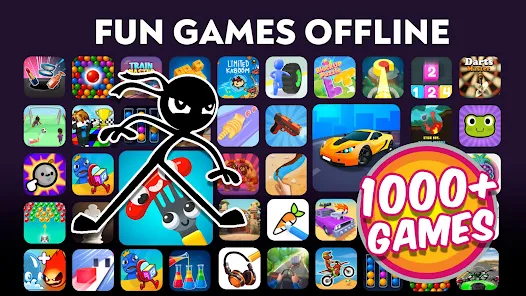
Image source: Google Play
Access: Google Search Bar / Doodle Archive
Data Requirement: Requires internet to load the page initially.
Device: Works on PC, Mac, iOS, and Android.
Variety: Hundreds of options via the archive.
Ads: 100% Ad-Free.
Access: Google Play Games Android App
Data Requirement: Zero data required after initial app installation.
Device: Android devices only.
Variety: Limited to 6 built-in classics.
Ads: 100% Ad-Free.
The offline-ready roster currently includes Solitaire, Minesweeper, Snake, PAC-MAN, Cricket, and Whirlybird. Whirlybird, in particular, is a mobile-exclusive arcade game where you tilt your device to guide a character up a series of platforms, heavily inspired by classic mobile titles like Doodle Jump.
EXPLORING THIRD-PARTY BROWSER PORTALS LIKE POKI AND CRAZYGAMES
If you exhaust Google's official offerings, the next logical step is exploring third-party browser game aggregators. These platforms operate on the same principle as Google's search games: they use HTML5 and WebGL to run games directly in your browser without requiring you to download executable files (.exe or .dmg).
The scale of these platforms is massive. Poki hosts over 1,500 games and serves more than 100 million monthly players. CrazyGames offers a library of over 4,500 titles, while Playhop boasts an inventory exceeding 20,000 games. These sites offer a more "console-like" variety, featuring 3D shooters, complex puzzle games, and multiplayer arenas.
Image source: poki.com
The primary benefit of these portals is the "no download" architecture. Because the games execute within the browser's sandbox environment, they cannot easily install malware or hidden background processes on your operating system. However, this does not mean they are entirely without risk, particularly concerning data privacy and advertising practices.
HOW TO DEAL WITH INTRUSIVE ADS AND SAFETY CONCERNS
The most significant drawback of third-party game portals is their monetization strategy. While official Google games are completely ad-free, aggregators rely heavily on display and video advertising. In recent years, user reviews have highlighted a growing frustration with "weaponized ads"—advertisements designed to be intentionally difficult to close or that interrupt gameplay at critical moments.
Players frequently report encountering unskippable video ads lasting up to two minutes before a game will load. Furthermore, while the games themselves cannot install traditional malware, the advertising networks integrated into these sites often utilize aggressive tracking cookies to collect location data and browsing habits.
The Ad-Free Pro Tip
If you are setting up a device for a child or simply want an uninterrupted experience, stick exclusively to the Google Search widgets or the Google Doodle Archive. Because Google uses these games as brand-building tools rather than direct revenue generators, they remain entirely free of intrusive advertising.
Parental Safety Checklist for Browser Games
If you or your children do venture into third-party portals like CrazyGames or Playhop, follow this checklist to maintain a secure environment:
- Verify the URL: Ensure you are on the official domain (e.g., poki.com) and not a typo-squatted clone site designed to serve malicious pop-ups.
- Check Privacy Settings: Review the site's privacy policy regarding data collection. Many portals collect IP addresses and device identifiers for targeted advertising.
- Use a Standard Account: If playing on a PC, ensure the user is logged into a standard operating system account rather than an Administrator account, limiting the potential impact of any browser-based exploits.
- Enable Browser Protections: Utilize your browser's built-in tracking prevention (such as Chrome's Enhanced Safe Browsing or Edge's Strict Tracking Prevention) to block third-party cookies.
- Educate on "Fake Download" Buttons: Teach younger players to identify deceptive banner ads that mimic "Play Now" or "Download" buttons, which often redirect to external affiliate sites.
THE STORY BEHIND GOOGLE FEUD AND HOW TO PLAY IT
When discussing free games associated with Google, it is impossible to ignore Google Feud. Unlike Snake or PAC-MAN, Google Feud is not an official Google product. Instead, it is a highly popular third-party web game built using Google's autocomplete API.
Developer Justin Hook, a writer known for his work on the animated television show Bob's Burgers, conceives the idea of turning Google's bizarre autocomplete suggestions into a trivia game.
Google Feud officially launches. It quickly goes viral, played by prominent YouTubers and featured in major technology publications due to its comedic and often unpredictable nature.
The game remains a staple on browser gaming portals, continuously updated as Google's search algorithms and cultural trends shift.
How the Game Works
Google Feud plays similarly to the television show Family Feud. The game presents you with the first half of a search query, such as "Why does my cat..." You must then guess the top ten ways that Google's algorithm would autocomplete that sentence based on global search volume.
The game is divided into four categories: Culture, People, Names, and Questions. Because the answers are pulled directly from real-world search data, the results range from highly logical to deeply absurd, which is the primary source of the game's entertainment value.
Note: There is a common misconception that an official Google Feud app exists. According to the developer's documentation, there is no official mobile app for Google Feud; it is designed to be played exclusively through web browsers. Any apps claiming to be the official version in mobile stores are unauthorized clones.
PRO TIPS FOR PLAYING GOOGLE GAMES ON A PC
While most users interact with these games via mobile touchscreens, playing on a desktop or laptop PC offers a more precise experience. To get the most out of browser-based gaming on a computer, there are several technical optimizations and shortcuts you should utilize.
Essential Keyboard Shortcuts
According to official Google Search Help documentation, utilizing keyboard shortcuts can significantly improve your navigation and gameplay experience, especially when using the Google Play Games PC beta or standard browser interfaces:
- F11 or Alt + Enter: Toggles full-screen mode. This is crucial for browser games, as it hides your tabs, bookmarks bar, and taskbar, preventing accidental clicks outside the game window.
- Shift + Tab: Opens the in-game options or overlay menu (specifically useful in the Google Play Games PC environment).
- Alt + F4: The universal Windows shortcut for an immediate exit. Useful if a game freezes or if you need to close a pop-up ad window instantly.
- Ctrl + Shift + R: Performs a "hard refresh" of the browser page, clearing the local cache for that specific site. If a WebGL game is stuttering or failing to load assets, this shortcut forces the browser to download fresh files from the server.
Browser Optimization for Gaming
If you experience lag while playing complex browser games (like those found on Poki or the 3D Doodles), the issue is likely related to your browser's hardware acceleration settings. Hardware acceleration allows the browser to offload graphics rendering from your CPU to your dedicated graphics card (GPU).
To ensure this is enabled in Google Chrome, navigate to Settings > System and verify that "Use hardware acceleration when available" is toggled on. If you are playing on an older laptop and the game is crashing, toggling this setting off can sometimes resolve compatibility issues, though it will reduce the overall frame rate.
FREQUENTLY ASKED QUESTIONS
THE BOTTOM LINE ON FINDING FREE GAMES ON GOOGLE
Google has evolved into a highly capable, frictionless gaming platform that requires no downloads, installations, or subscriptions. Whether you have five minutes to spare or are facing a long flight without Wi-Fi, the ecosystem provides reliable entertainment options.
- Use Search for quick breaks: Queries like "play Snake" or "Solitaire" provide instant, ad-free gameplay directly in the results page.
- Explore the Doodle Archive: Visit google.com/logos for deeper, more creative experiences like the Champion Island RPG or musical composition tools.
- Utilize the "I'm Feeling Lucky" button: This is the required method for triggering physics-based Easter eggs like Google Gravity.
- Prepare for offline travel: Download the Google Play Games app on Android to access built-in classics that require zero data to play.
- Navigate third-party sites carefully: Portals like Poki offer massive variety, but you must manage intrusive ads and monitor privacy settings.
- Optimize your PC browser: Use shortcuts like F11 for full-screen immersion and ensure hardware acceleration is enabled for smooth performance.
Next time you find yourself with a few spare minutes, try typing "PAC-MAN" into your search bar to experience one of the most accessible pieces of gaming history available online.